Player Settings
Set up the features you need in one click with an easy short-form solution

Player Settings
Try it yourself
Press the ON/OFF buttons to change playback settings
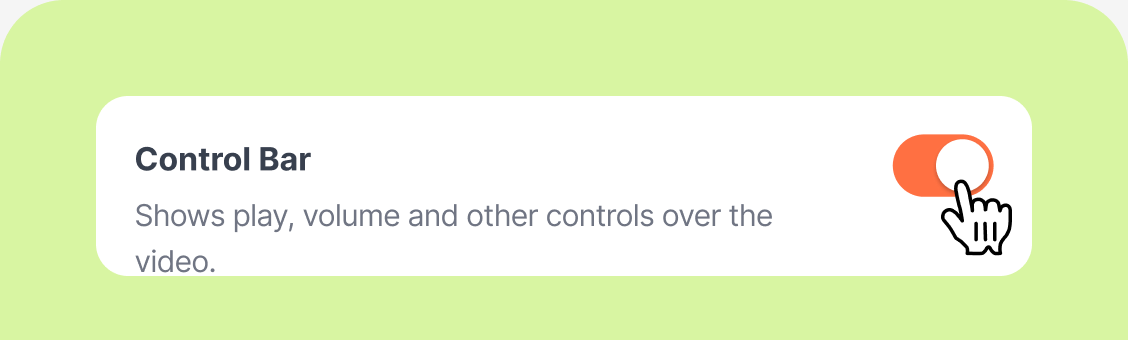
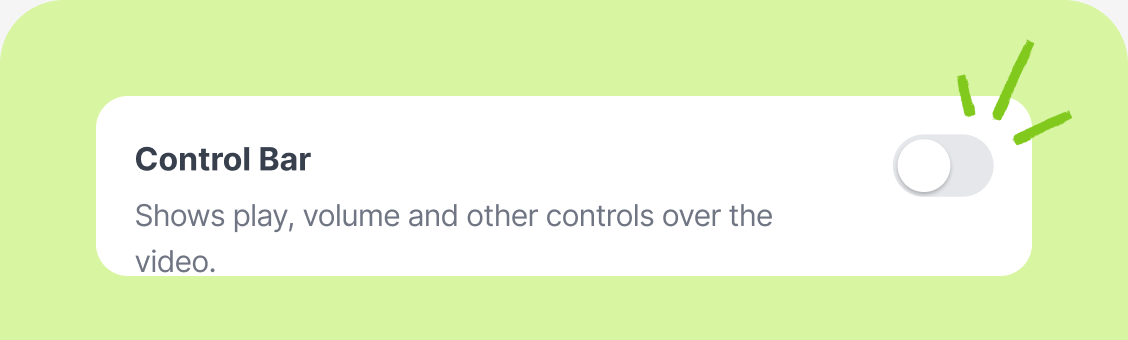
 Control bar
 Autoplay
 Loop playback

Playback control bar OFF
Cut the clutter and keep viewers focused on your content.
Make videos blend naturally into your product pages.

Autoplay and loop
No need to click play. The video starts automatically when a shopper opens the product page.
Don't worry about playback stopping when the video ends.
Loop playback keeps your video running without a break.


Resize videos
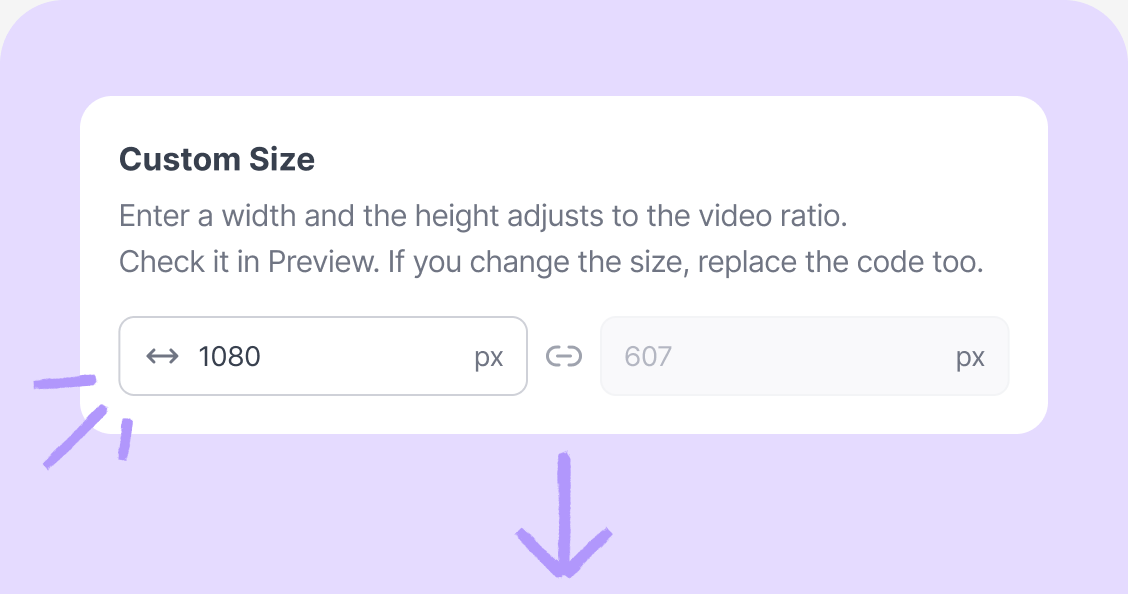
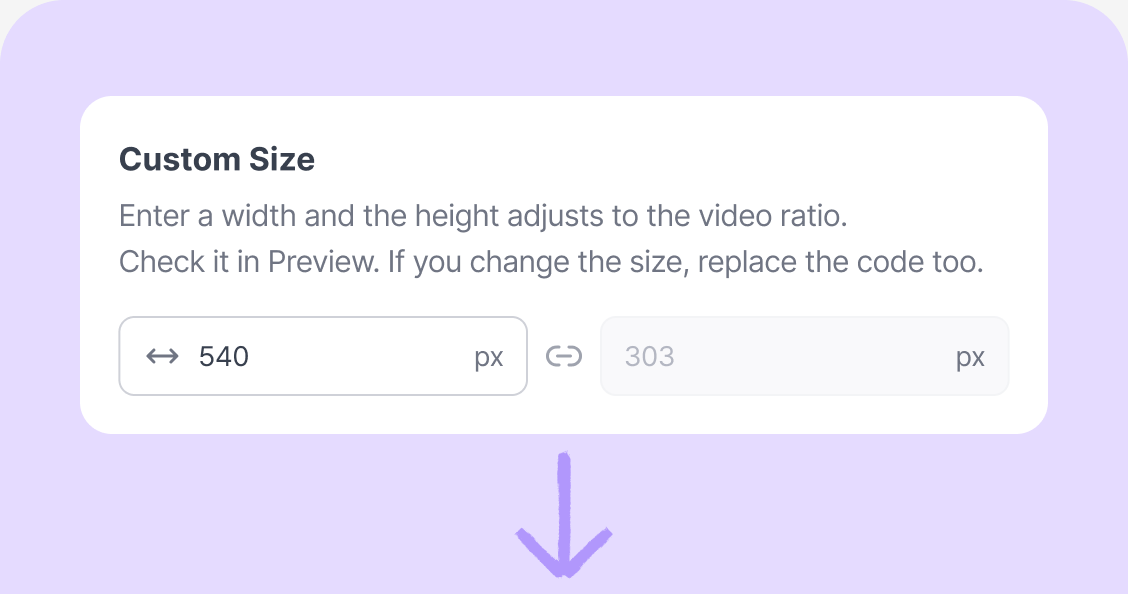
Resize your video up to 1080p.
Just change the width, and the size updates while the original aspect ratio stays the same.
More features!

Video · Commerce analytics
See stats by video and date, plusthe TOP 10 video ranking for each stat!
Learn more
Every Charlla feature,
unlimited for 30 days
Boost your store's sales with Charlla's immersive video.